When to use it
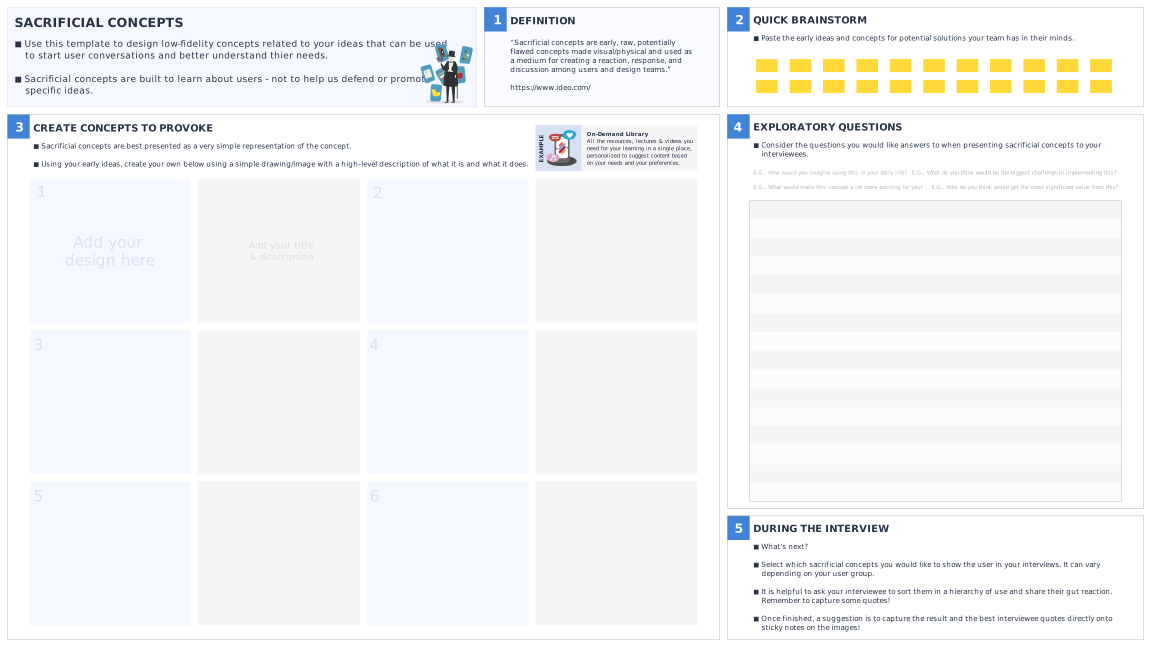
Use this tool to design low-fidelity concepts related to your ideas that can be used to start user conversations and better understand thier needs.
What’s the purpose
Sacrificial concepts help us to present loose ideas that we have in our minds (or may even be working on) to users and capture their ‘gut reactions’. The process helps us uncover useful insights and possibly previously unarticulated needs.
How to do it
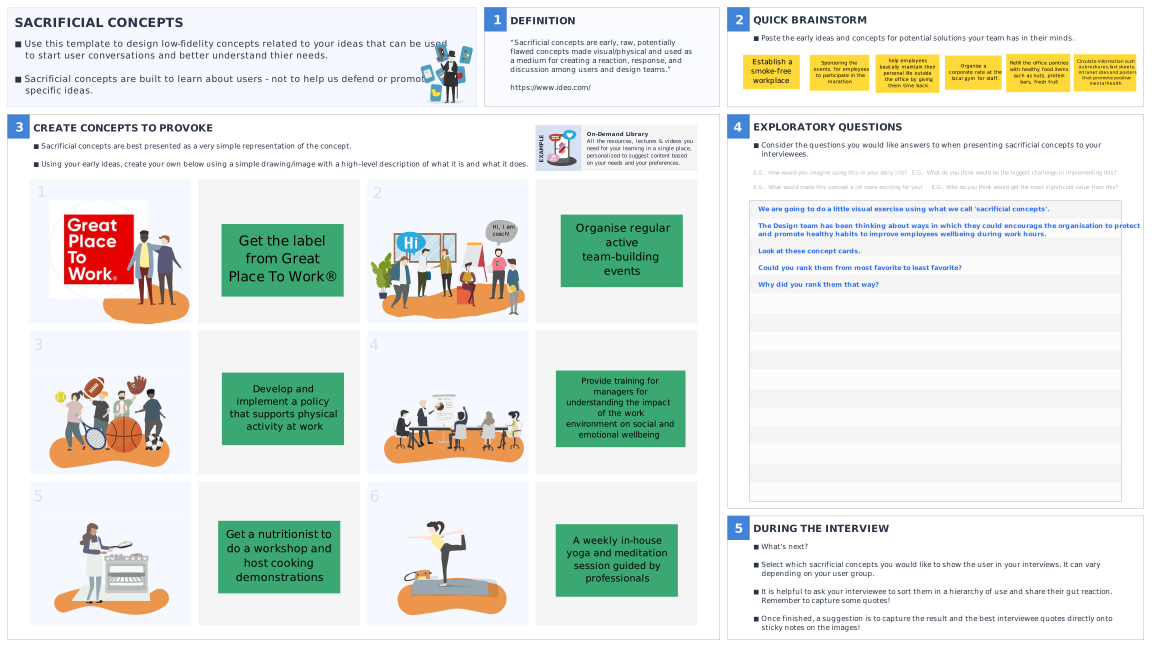
- Start by writing down all the ideas and possible solutions you have in your head for the problem you’re trying to solve.
- Now, create your sacrificial concepts to test different variation/elements of your ideas by adding imagery and a short, high-level description for each concept. Try to ensure that each one is distinct and use more pictures than text.
- Once you’ve created your sacrificial concepts, decide which ones you will show each user/group and consider the types of questions you would like to ask.It’s useful to first ask a user to describe what they are seeing and possibly to rank the different concepts in order of usefulness. Ask users to elaborate and dig deeper to uncover hidden needs.
- Capture reactions and notes from your interviews on the images.

 Worked example