When to use it
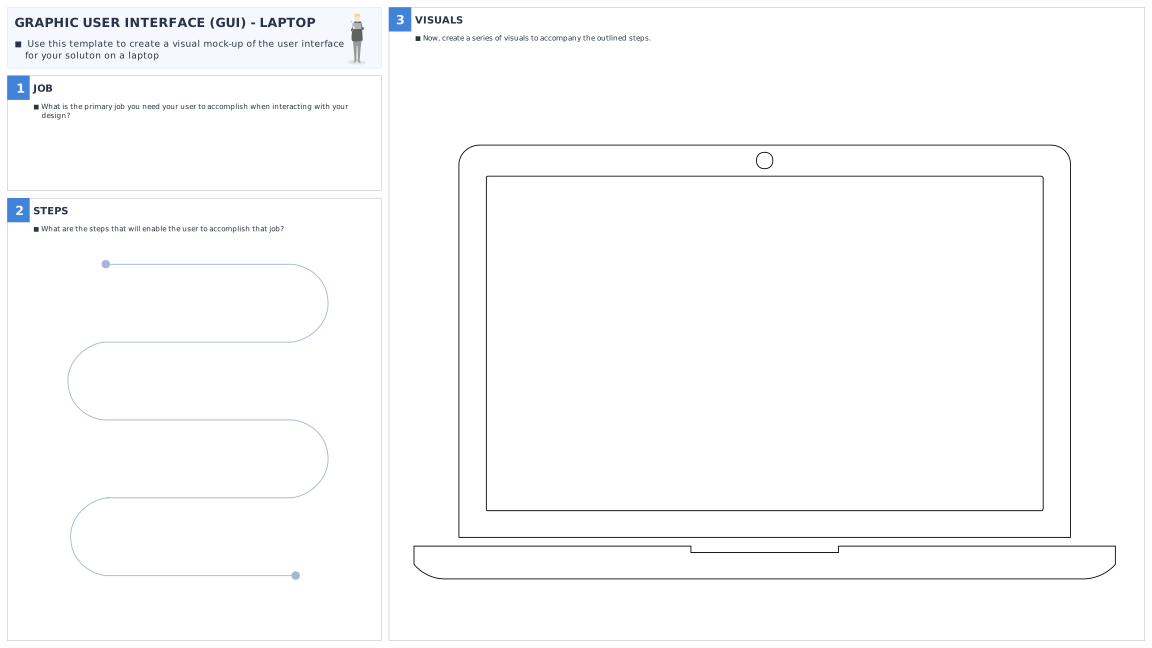
Use this tool to create a visual mock-up of the user interface for your solution on a laptop.
What’s the purpose
Drawing a simple prototype of the Graphic User Interface for your solution is a useful way to map out the key steps a user needs to accomplish when interacting with your idea.
How to do it
- Begin by making a note of the main job you need your user to accomplish when interacting with your design. E.g. “The user needs to be able to sign up to X event through their interaction with the website”.
- Write down the steps that will enable the user to accomplish that job. E.g. The user will need to be able to: open the website page; click through to a sign-up page; and enter their contact details.
- Using the ‘GUI’ templates, create a visual to accompany the steps you have outlined. E.g. For “Open the website page”, draw what the user would see on the interface for your design, and the main features needed to complete the job. Keep it as simple as possible.
- Repeat this process for each step that you outlined until you have a complete set of drawings depicting the user’s journey.
- Review the steps you have mapped out. Look for potential problems that may be experienced by the end user and ways their experience might be improved. Make any changes needed to simplify and streamline the user journey.