When to use it
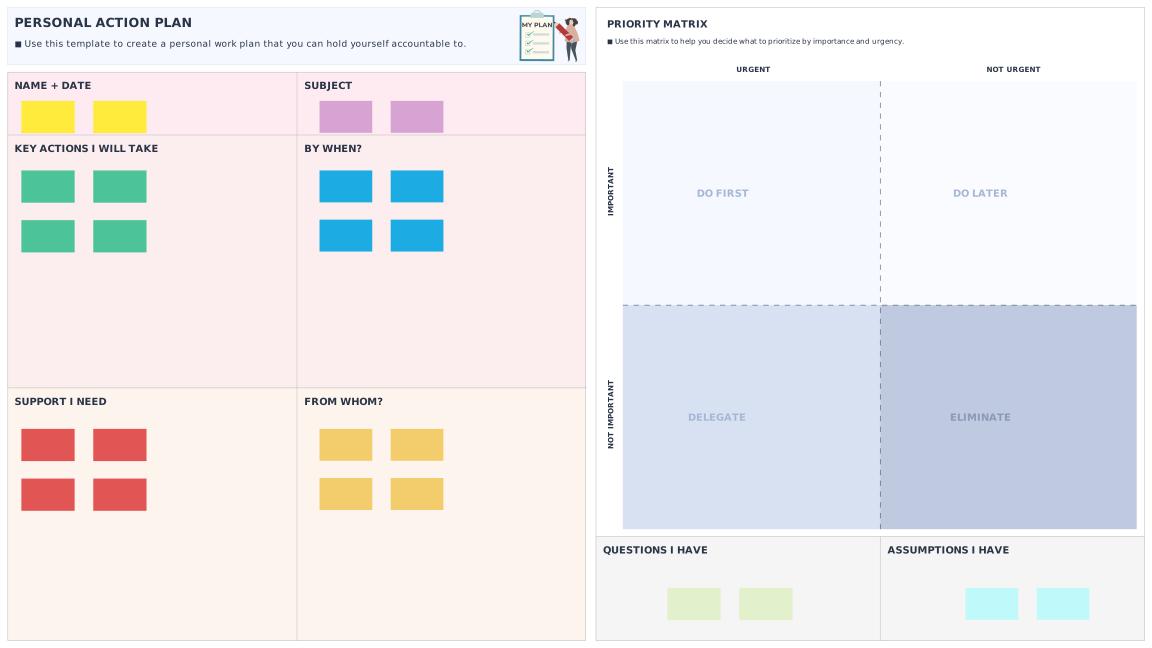
Use the first part of the tool to create a personal work plan that you can hold yourself accountable to. Then use the second part of the tool to help you decide what to prioritize by importance and urgency.
What’s the purpose
Goal setting helps us to become more aware and purposeful in decision making. A personal action plan helps you consider the tasks you need to complete in order to achieve specific goals. It also allows you to think through what support you might need and from whom, in order to do take the actions you’ve planned for yourself.
How to do it
- Complete the ‘Personal action plan’ template on your own.
- Add your name and date.
- What is the overall subject?
- What are the key actions you committed to take. By when?
- What kind of support do you need? From whom?
- Once completed, check to ensure that you have been clear and specific, and that the actions you have listed are things that you really can and will do.
- Sometimes, it is important to prioritize some tasks on your action list. Copy the relevant sticky notes into the Priority Matrix.
- Finally, write down the questions you may need an answer to or any assumptions you have.