
Close and return to Sprintbase Launch in Sprintbase
Single Idea

Single Idea

When to use it

Use this tool to explain what your idea is and what it does.

What’s the purpose

The idea template helps you bring to life an idea that’s sitting in your mind. Creating a visual representation of your idea can make a possible future feel real and resolve some of the fuzziness that all new ideas have.

How to do it

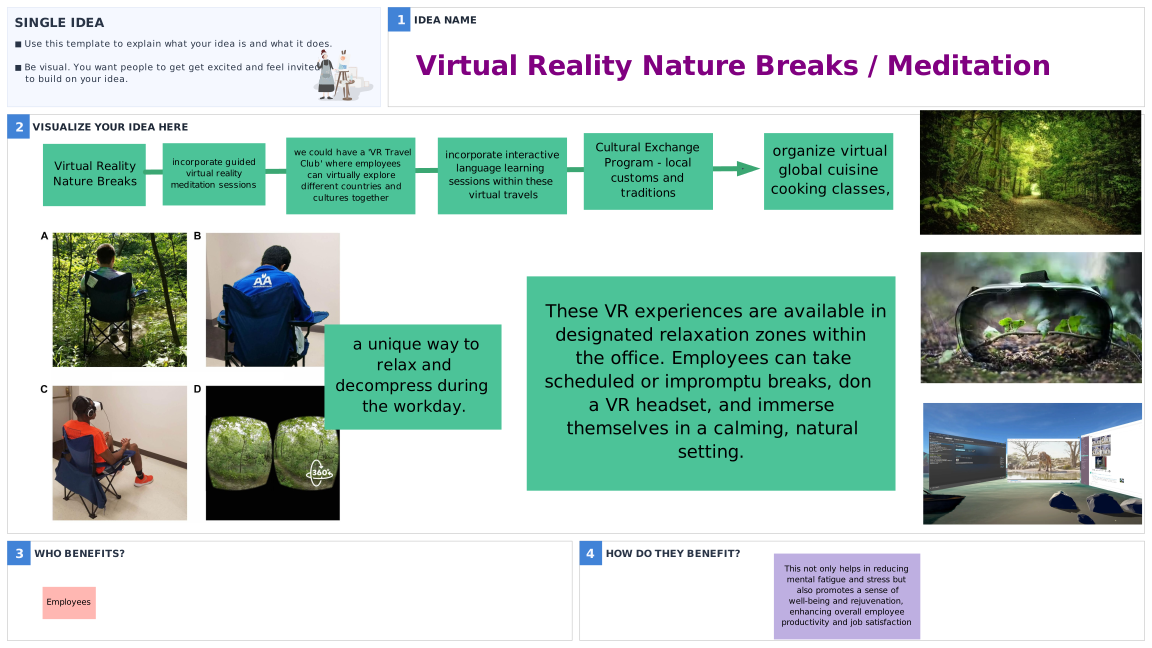
  1. Start by giving your idea a name.
  2. In step two, bring your idea to life by visualizing how it looks and how it works. Try to be as creative as possible, use more imagery than words and try to communicate as many details as possible.
  3. Now fill in all the beneficiaries of your idea and outline how each person/group will benefit.

Download a high-res PNG to print or use with your favorite digital whiteboarding tool.
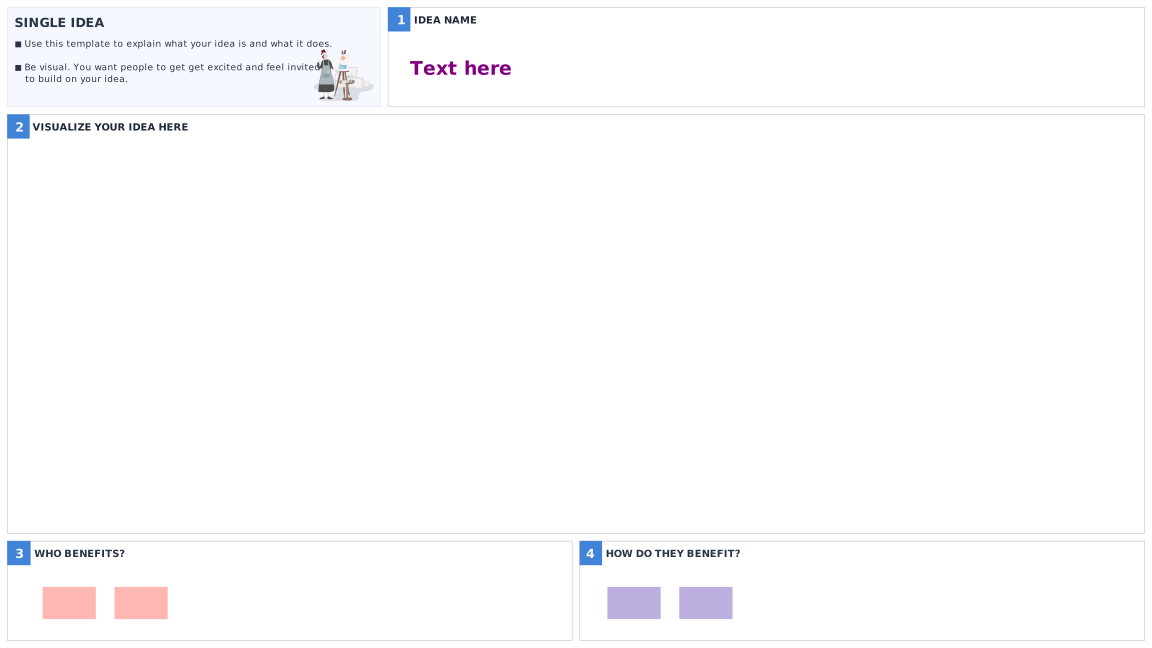
Blank Single Idea Template
Completed  Single Idea Template Example Worked example
Helpful tips

Helpful tips

  • Focus on one idea per template.
  • Keep your user in mind throughout the process and walk through their experience of the solution to help you capture all the key elements of your idea.
  • It’s not about artistic talent, it’s about using visualization to bring your idea to life. Don’t fuss over polishing and perfection, the goal is to present your thinking for others feedback. No one’s judging!

Using this method in your day-to-day work

Using this method in your day-to-day work

When you have an idea, especially one that you want to share, use this template to show others how you imagine the idea coming to life. It will support your storytelling process and enable others to visualize what you’re imagining.

 Close

Studio 34, RIVERSIDE BUILDING, 55 Trinity Buoy Wharf, London, E14 0FP

Have a question? Email us at [Please enable javascript to see this email address].